
Payment Gateway Using Stripe, Angular and Node Js

Payment Gateway Using Stripe, Angular and Node Js
In this blog post you will learn how to create a payment system using stripe, Angular and Node Js
Lets Start !
File Structure
Stripe-Payment
    |--> client
    |--> server
-
cd into client
npm install -g @angular/cling new .npm install @stripe/stripe-js axios
-
cd into server
npm init -ynpm install express cors stripe
Client
- Generate a new component for product
ng generate component product
app.component.html
-
Remove all the lines from app.component.html
<app-product></app-product>
product.component.html
-
Remove all the lines from product.component.html
<button role="link" class="btn" (click)="checkOut()">Checkout</button>
product.component.css
    .btn {
        padding: 1rem 2rem;
        font-size: 1.2rem;
        cursor: pointer;
    }
product.component.ts
    import { Component, OnInit } from '@angular/core';
    import { loadStripe } from '@stripe/stripe-js';
    import axios from 'axios';

    @Component({
    selector: 'app-product',
    templateUrl: './product.component.html',
    styleUrls: ['./product.component.css']
    })
    export class ProductComponent implements OnInit {

    constructor() { }

    priceId = "Your_price_Id";
    stripePromise = loadStripe("Stripe_public_key");
    quantity = 1;

    ngOnInit(): void {
    }

    async checkOut() {

        const stripe = await this.stripePromise;

        const checkoutSession = await axios.post("http://localhost:5000/createStripeSession", {
        priceId : this.priceId,
        quantity : this.quantity,
        })

        const result = await stripe?.redirectToCheckout({
        sessionId: checkoutSession.data.id
        })

        if (result?.error){
        alert(result.error.message)
        }
    }

    }
Stripe Account
- create an account in stripe
- copy Publishable key from stripe dashboard
- paste the Publishable key in place of "Stripe_public_key"
Create a Product
- create a product from product page
- copy the price Id and place it in place of "Your_price_Id"
Server
- create a file named index.js
index.js
    const express = require('express')
    const cors = require('cors')
    const stripe = require('stripe')("Stripe_secret_key")

    const app = express()

    app.use(cors())
    app.use(express.json())

    app.get('/', (req, res) => {
        res.send("hello")
    })

    app.post('/createStripeSession', async (req, res) => {
        const {priceId, quantity} = req.body

        const session = await stripe.checkout.sessions.create({
            payment_method_types: ['card'],
            line_items: [{ price: priceId, quantity: quantity }],
            mode: 'payment',
            success_url: 'https://google.com/',
            cancel_url: 'http://localhost:4200/',
        })

        res.status(200).json({id: session.id})
    })

    port = 5000
    app.listen(port, ()=>console.log(`Running on port ${port}`))
- copy and paste the Secret key in place of "Stripe_secret_key"
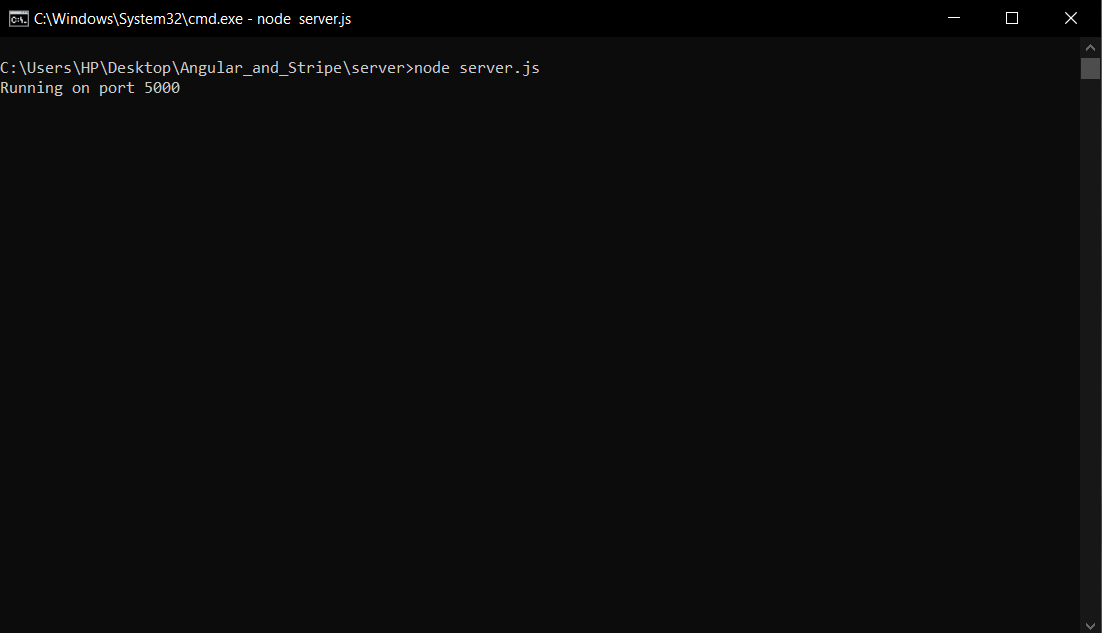
Start the server
-
To start the server run
  cd server
  node index.js
Start the client
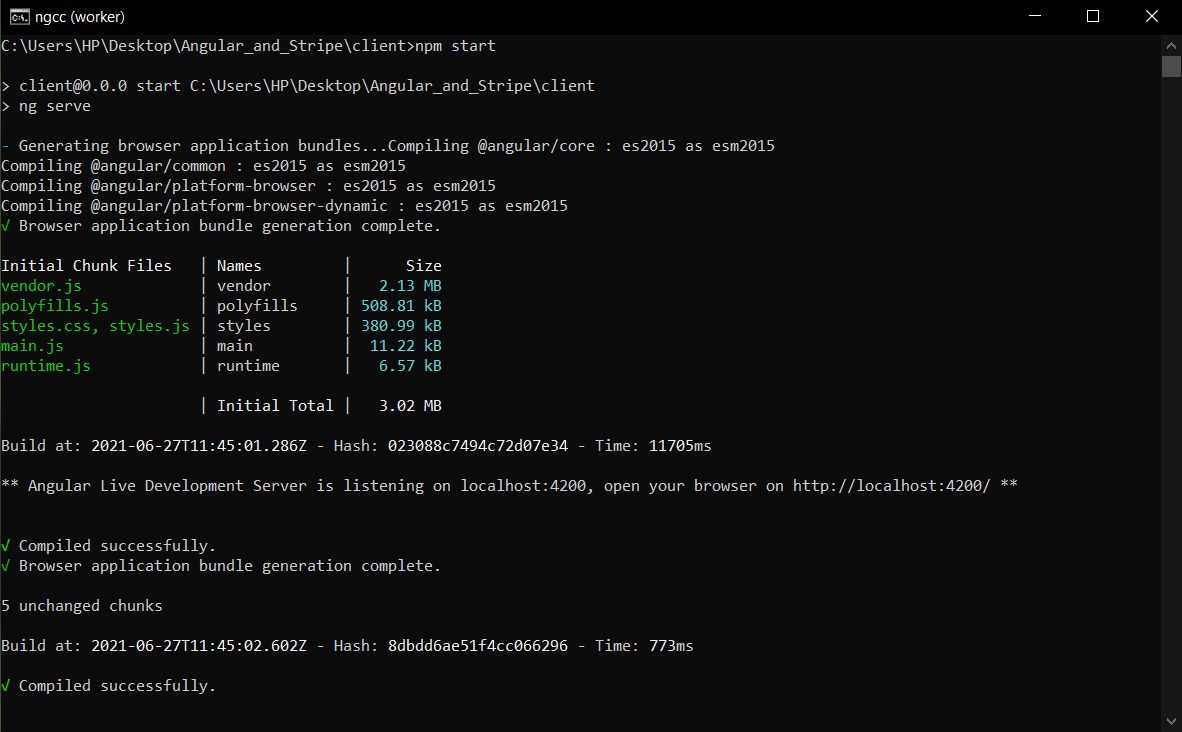
-
To start the client run
  cd client
  npm start
Go to browser and type http://localhost:4200/
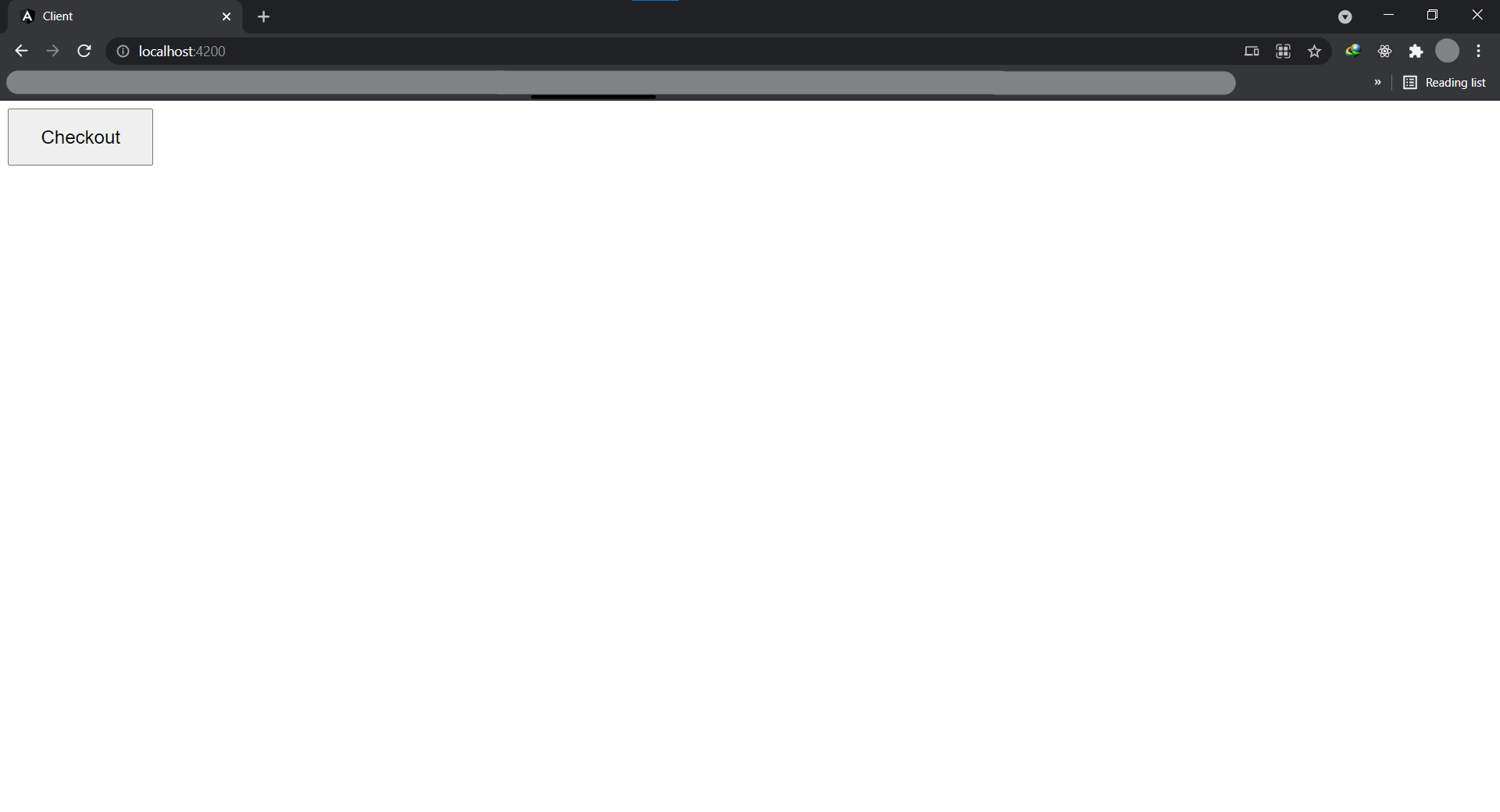
- click the Checkout button
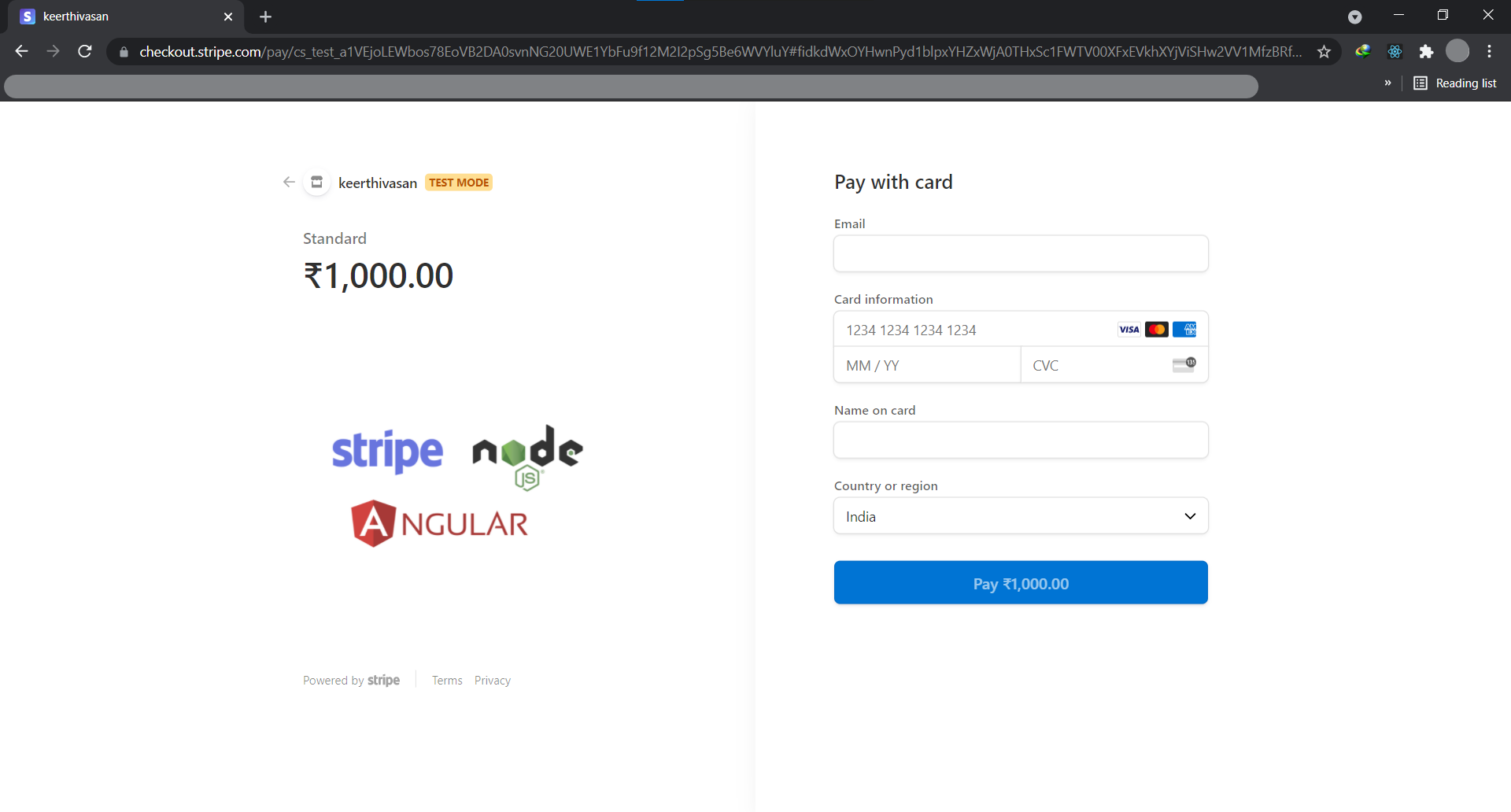
Email: test@test.com
Card information:
    4242 4242 4242 4242
    04/24
    424
Name: test
-
click pay button
-
If it is success then it will go to https://google.com/
-
If it is failed then it will go to http://localhost:4200/