
Custom cursor using HTML, CSS and JS
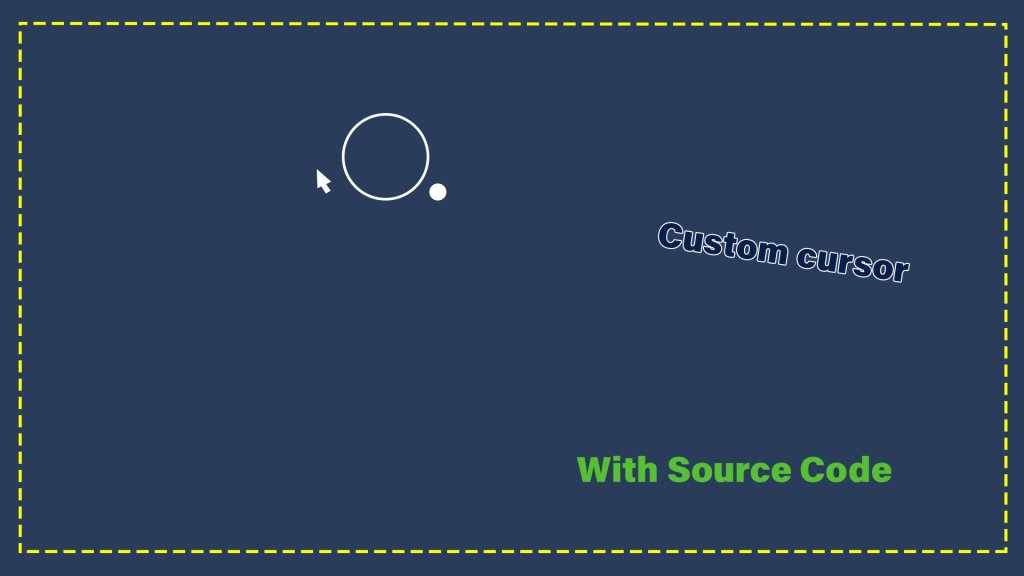
Custom cursor using HTML, CSS and JS
In this blog post your are going to create a custom cursor for your website using HTML, CSS and JS.
video Link
Click on the image to view the video tutorial
Lets start the tutorial
create a folder and files
custom-cursor
    |---> index.html
    |---> style.css
    |---> script.js
index.html
<!DOCTYPE html>
<html lang="en">
<head>
    <meta charset="UTF-8">
    <meta name="viewport" content="width=device-width, initial-scale=1.0">
    <title>custom-cursor</title>
    <link rel="stylesheet" href="style.css">
</head>
<body>
    <div class="largeCursor"></div>
    <div class="smallCursor"></div>

    <script src="script.js"></script>
</body>
</html>
In the Html file
- we have linked the style.css and script.js file.
- Two div element, one for large circle and another for small circle
style.css
*{
    margin: 0;
    padding: 0;
    box-sizing: border-box;
}

body{
    width: 100%;
    height: 100vh;
    background-color: #2c3e5a;
}

.largeCursor{
    width: 50px;
    height: 50px;
    border: 1px solid #fff;
    border-radius: 50%;
    position: absolute;
    transition: .3s ease-out;
    animation: lg .5s infinite alternate;
}

.smallCursor{
    width: 10px;
    height: 10px;
    border: 1px solid #fff;
    background-color: transparent;
    border-radius: 50%;
    position: absolute;
    transition: 0.3s ease-out;
    animation: sml .5s infinite alternate;
}

@keyframes lg{
    to{
        transform: scale(1.1);
        border-style: dotted;
    }
}

@keyframes sml{
    to{
        background-color: #fff;
    }
}
script.js
const large = document.querySelector('.largeCursor');
const small = document.querySelector('.smallCursor');

document.addEventListener("mousemove",e => {
    large.setAttribute("style","top:"+(e.pageY - 20)+ "px; left:"+(e.pageX - 20)+ "px;");
})

document.addEventListener("mousemove",e => {
    small.setAttribute("style","top:"+(e.pageY + 25)+ "px; left:"+(e.pageX + 25)+ "px;");
})
In script.js
- First we are selecting the large and small circle using the class name
- we are adding mousemove event listener for the document and adding the largeCursor and smallCursor
Thanks for seeing this blog post
Author: Keerthivasan